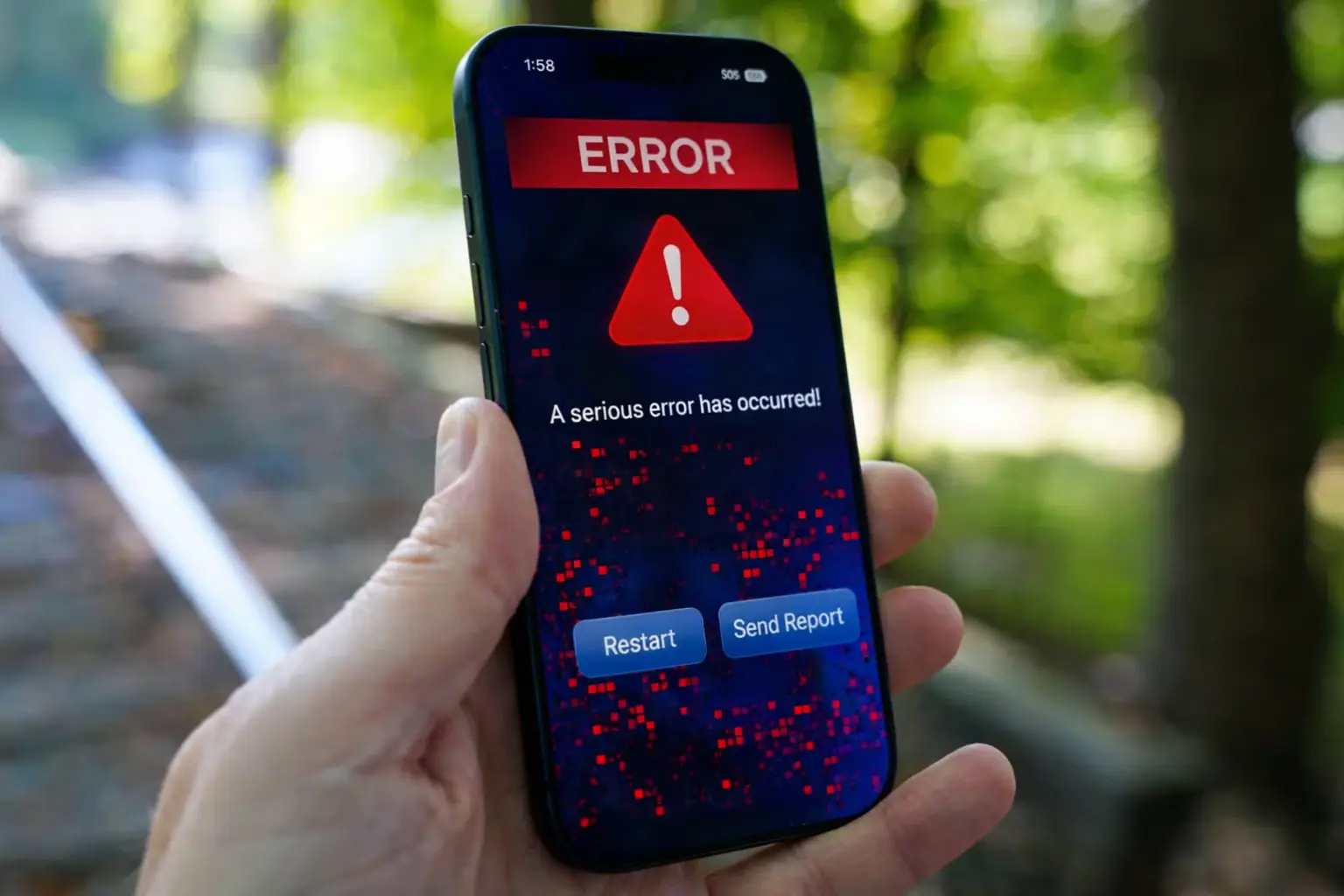
Some iPhone users are reporting a range of problems after installing Apple’s latest software update, with complaints focusing on performance, battery life, and app stability. The issues appeared shortly after the rollout of recent iOS 26 updates, which introduced security fixes, interface changes, and system refinements.
Apple’s latest update was intended to address vulnerabilities and improve overall performance across supported devices, including models from the iPhone 11 onward. However, as with many major software releases, some users say the update has introduced new challenges.
What users say is going wrong
Among the most commonly reported problems are faster-than-expected battery drain, slower system responsiveness, and occasional app crashes. Some users have also described keyboard lag, delayed touch response, and intermittent freezing. In more specific cases, issues have been noted with Apple’s built-in apps and features, including Mail failing to load messages properly and CarPlay disconnecting unexpectedly during use.
Contextual links



Performance concerns are not new to this version of iOS. Earlier reports around iOS 26 highlighted similar complaints, including lag, bugs, and increased battery usage following installation. While not every device appears to be affected, the consistency of these reports suggests that at least some users are experiencing disruptions to everyday tasks.

How this could affect users
For most users, the impact depends on how they use their device. Those who rely on their iPhone for navigation, communication, or work-related apps may notice interruptions if features like CarPlay or email are affected. Others may simply experience reduced battery life or slower performance, which can be temporary but inconvenient.
Apple has not issued a broad public statement addressing all reported issues but has acknowledged and fixed bugs through follow-up updates in the past. In response to similar complaints tied to earlier releases, the company has released incremental updates aimed at improving stability and resolving specific glitches.
What to watch next
For now, users experiencing problems may consider checking for additional updates, as Apple often rolls out quick patches after identifying widespread issues. Restarting the device, updating apps, or adjusting settings may also help in some cases, though effectiveness can vary depending on the issue.
Looking ahead, further updates are likely as Apple continues refining the current version of iOS. Software updates typically go through several iterations after release, especially when early user feedback highlights performance or reliability concerns.
Users are advised to monitor official update notes and ensure their devices remain up to date, as future releases are expected to address ongoing issues and improve overall system performance.